Welcome to our honest iRobot Roomba Review. When you see a Roomba commercial, it looks like magic. A little disc zips around your living room, picks up all the dog hair, and docks itself. You come home to a spotless floor.
But then you look at the price tag. A good Roomba costs $400 to $800. That’s a lot of money. And if you have thick carpets, pet accidents, or a messy house, that magic disc can quickly turn into a frustrating, expensive headache.
So, before you spend your hard-earned money, here is the honest breakdown of what a Roomba actually does well, where it fails, and whether it deserves a spot in your home.
Disclosure: As an Amazon Associate, I earn from qualifying purchases. If you click on a link and make a purchase, I may receive a small commission at no extra cost to you.
The Hard Floor Advantage: Where Roombas Shine
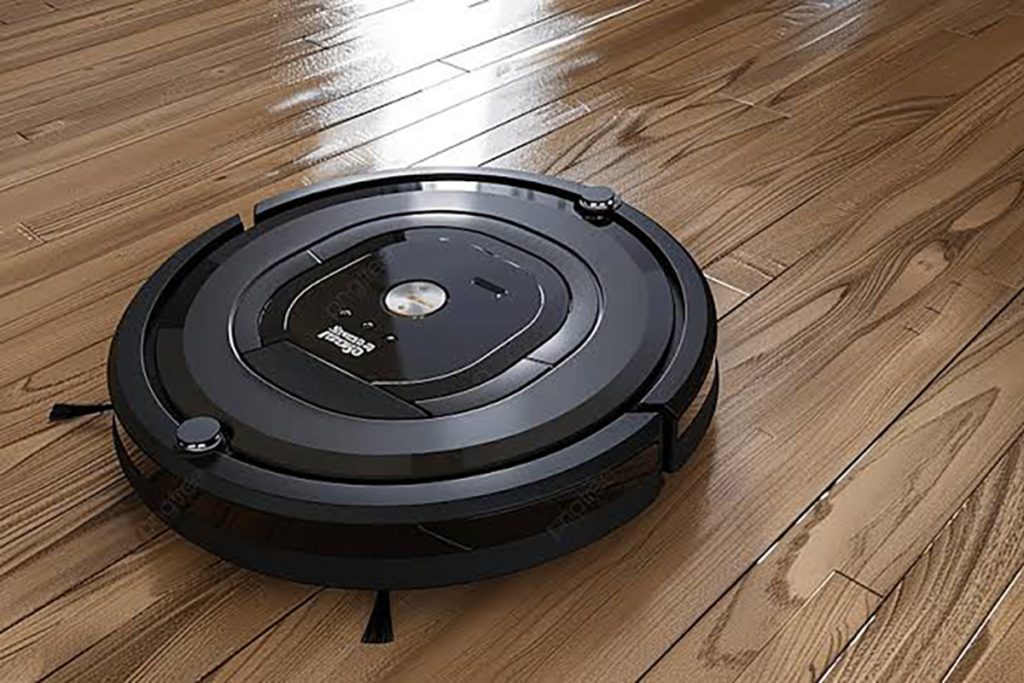
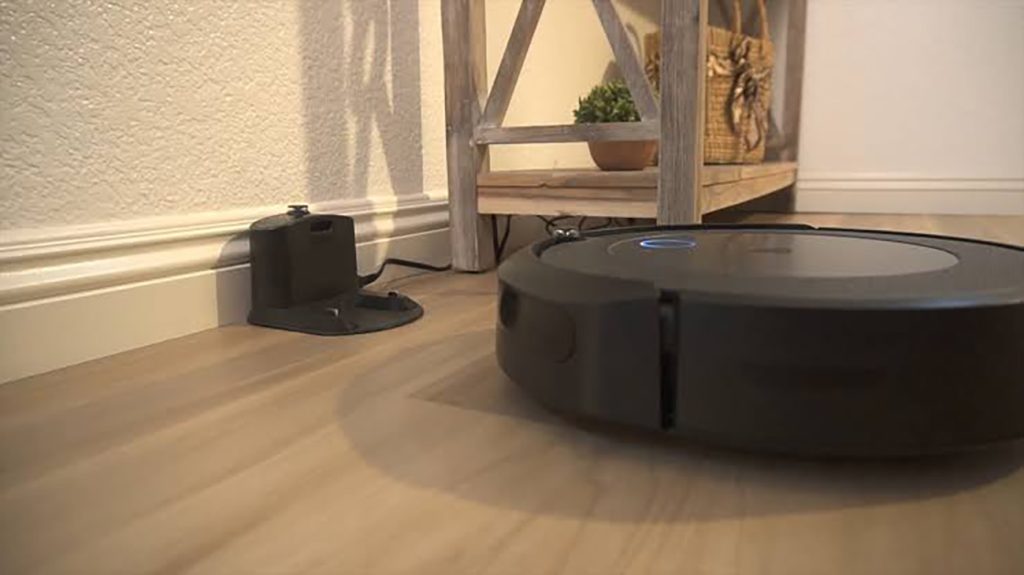
If your home is mostly hardwood, tile, or laminate, a Roomba is fantastic. It’s built for this. The dual rubber brushes grab dust, cereal crumbs, and pet hair without getting tangled.
If you have a dog or a cat, you know the struggle of sweeping up hair every single day. A Roomba does this for you automatically. You can schedule it to run while you’re at work. When you get home, the floor is clean. For this alone, many pet owners say it’s worth the money.
The Carpet Reality Check: Where They Fail
Here is the truth that the commercials don’t tell you. Roombas are not great on thick carpets.
If you have plush, high pile carpet, the Roomba will struggle. The suction isn’t strong enough to pull out deep-seated dirt. It will pick up surface debris, but it won’t replace a deep clean from a standard upright vacuum.
If you have low pile carpet or area rugs, it works fine. But if your entire house is thick carpet, save your money. You’ll still need to drag out your big vacuum every weekend.
The Self Emptying Dock: Convenience vs. Cost
The newer Roombas (like the j7+ or Combo models) come with a self emptying dock. This is a game-changer. Instead of emptying the tiny dustbin every day, the robot empties itself into a sealed bag inside the dock. You only have to change the bag every 60 days.
But there’s a catch:
- Space Needed: The dock is huge. It needs its own dedicated floor space and is about the size of a small trash can near an outlet.
- Noise Level: The self emptying process is loud. It sounds like a jet engine taking off for about 10 seconds. If you run it at night, it will wake you up.
- Extra Cost: You have to buy proprietary bags for the dock. They cost about $5 each, adding around $30 to $40 in annual hidden costs.
Pets, Hair, and the P.O.O.P. Guarantee
If you have pets, you know the fear of a robot vacuum running over a pet accident. It’s a nightmare. It smears the mess everywhere, ruins the brushes, and makes your house smell terrible.
iRobot actually has a solution for this called the P.O.O.P. Guarantee (Pet Owner Official Promise). If your Roomba runs over pet waste during the first year, iRobot will replace the robot for free.
Is it a marketing gimmick? Maybe. But it’s a pretty good one that gives you peace of mind. Just make sure you register the product and follow the instructions to claim it.
The App and Smart Features: A Double Edged Sword
The iRobot Home app is actually very good. You can start, stop, and schedule cleanings directly from your phone.
Key smart features include:
- No Go Zones: Easily draw a line on the map in the app to keep the robot out of the bathroom or away from pet food bowls.
- Smart Mapping: Uses cameras and sensors to build a map of your kitchen, living room, and hallways, cleaning in neat rows instead of bumping around randomly.
However, the app can occasionally be glitchy, lose Wi-Fi connection, or mess up maps, so expect minor troubleshooting now and then.
The Maintenance You Can’t Ignore
A Roomba isn’t a “set it and forget it” appliance it requires regular maintenance:
- Clean the Brushes: Hair wraps around the rubber rollers and must be cut off.
- Sensor & Charging Care: You need to wipe down sensors and clean charging contacts periodically.
- Replace Filters: Filters need replacing every few months for optimal suction.
If you don’t do this, the Roomba will break. It’s only about 10 minutes of work a week, but if you aren’t willing to do it, don’t buy one.
iRobot vs. The Competition: Roborock and Shark
iRobot isn’t the only player in the game anymore:
- Roborock: Usually offers stronger suction and better mopping features at a cheaper price point. Great choice if you want the best overall value.
- Shark: Offers similar smart features to iRobot at a lower price, making it an excellent budget option.
Why still buy iRobot? Brand reliability, the P.O.O.P. guarantee, and local availability of replacement parts (found easily at Target, Best Buy, or Amazon) make it a safer long term choice.
Who Should Buy a Roomba?
Buy it if:
- You have mostly hard floors (hardwood, tile, laminate).
- You have pets and want to reduce daily hair tumbleweeds.
- You want to reduce how often you manually vacuum.
- You want a self emptying dock for maximum convenience.
- You have enough floor space for the charging dock.
Skip it if:
- Your home is mostly thick, plush carpet.
- You are on a tight budget.
- You expect a 100% flawless, completely hands free experience.
- You have very cluttered floors with loose cords and socks.
The Final Verdict: Is It Worth Your Money?
The iRobot Roomba is a luxury convenience device, not an absolute necessity. It won’t replace a deep carpet clean, but it will keep your hard floors 80% clean, 100% of the time, without you lifting a finger.
If you have pets and hard floors, it’s a lifesaver. If you have carpets and a tight budget, save your money.